Drawing a pendant shape that can become a real stone
Good news: this is not an entrance exam for art school. A useful custom-shape drawing only has to explain the outside edge of the stone. It does not need shading, perspective, or a tiny signature in the corner.
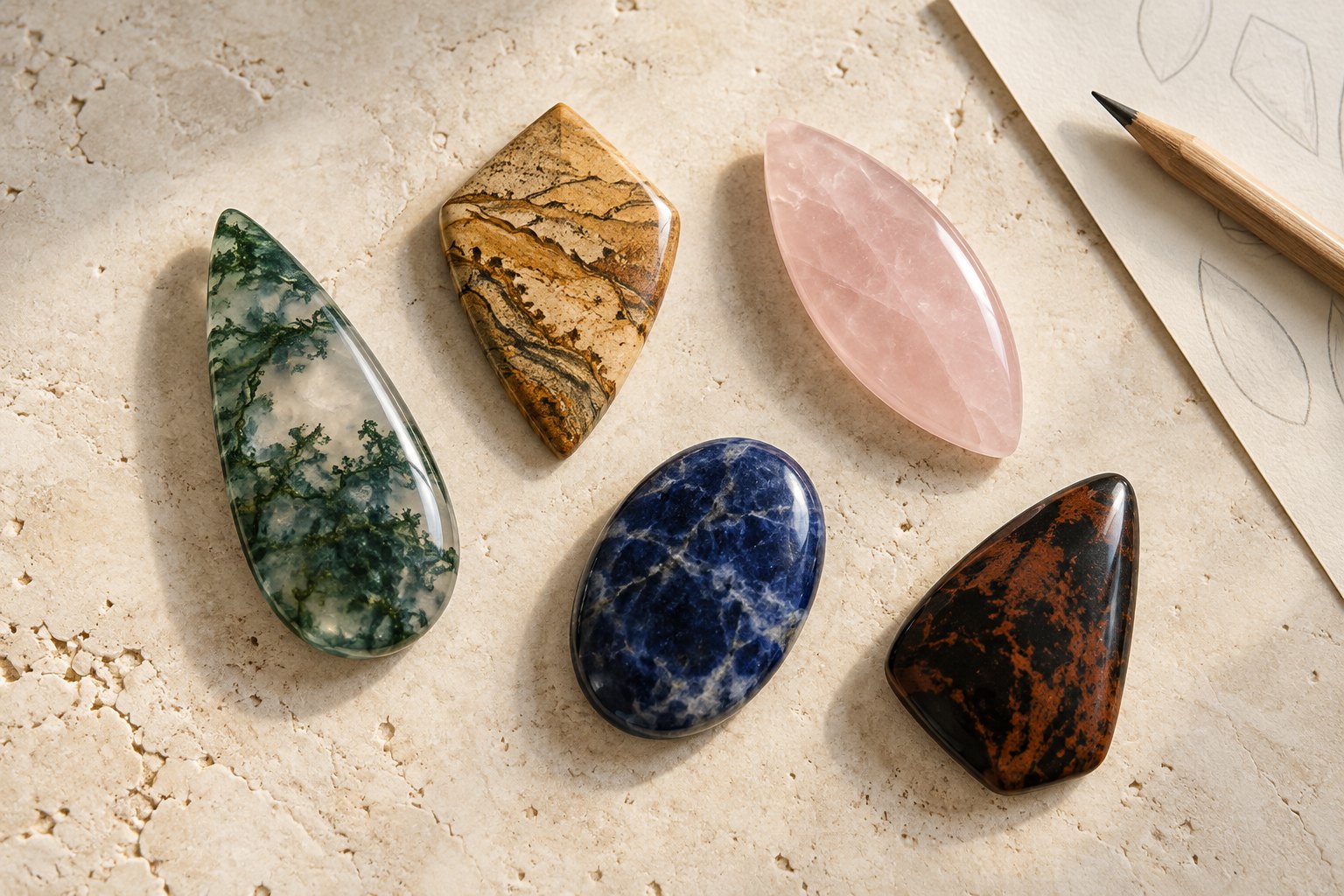
Draw the outside edge, not the whole idea
In the designer, “Draw your own” means one continuous outer silhouette. Draw with a finger or mouse, then lift to apply the outline. The tool closes the path between the last point and the first, turning the stroke into the edge of a cabochon.
That makes the first decision simple: what belongs to the perimeter? If a leaf is the inspiration, draw the leaf-shaped outside edge. Veins, shading, a center line, and the little marks that prove you once owned a pencil are interior details; the drawing pad is not asking for them. A hole or cutout is also different from an outer silhouette and should not be assumed from a line inside the shape.
Begin where you can return naturally and bring the end of the stroke reasonably close to the start before lifting. The tool will supply the final connecting line, so a large gap can create an unexpected straight edge. If the preview looks wrong, clear it and draw again. A small wobble is less troublesome than an outline whose beginning and ending disagree about where the stone should go.
Let the preview answer one question
After you apply the shape, look at the preview from a little distance. Do the overall proportions read correctly at a glance? A tall, narrow drop should still feel tall and narrow. A low shield should not have quietly become a spear. The preview is useful for that broad check; it is not a promise of the exact finished edge.
Pay special attention to narrow points, deep inward notches, and thin bridges of material. Whether a feature can be cut depends on the actual design and material, which is why every custom outline receives a feasibility review before cutting. The drawing tool records the request; it does not issue a tiny engineering diploma when you press Apply.
There is no reliable universal number to enter for how sharp a tip may be. If a point or notch is essential, keep it visible in the outline and name it in the notes. If it is only one possible way to express the idea, say that too. The studio can then review the feature instead of guessing which part of the sketch you would miss.
Give size and notes different jobs
The size choice describes the longest dimension of the custom stone within the selected range. It sets a useful neighborhood for the design, while the outline shows the proportions inside that neighborhood. Exact dimensions are confirmed for the final design, and the on-screen preview remains approximate.
If you need help judging those measurements, the separate pendant-size guide walks through scale in detail. Here, the useful check is more basic: does the outline still say “taller than wide,” “nearly square,” or “broad at the bottom” when it is shown at the selected size? A measurement and a silhouette work together, but they are not the same instruction.
Use the notes for information the line cannot explain. A concise example would be: “The asymmetrical top is the part I want to keep. The lower curve can be softened if needed, and I would like the finished stone taller than it is wide.” That is an example, not a customer request. It separates the fixed idea from the adjustable parts in three sentences.
Choose custom when the boundary matters
A custom outline is the right choice when the outside silhouette carries the idea: a particular shield, leaf, arch, or asymmetrical curve. Freeform means the designer chooses an organic shape instead. That can be a better fit when you want the available material to lead and do not need one boundary reproduced from your drawing.
Whichever route you choose, the natural or manufactured material still brings its own color and pattern. The outline controls the requested edge, not every mark that will appear inside it. If an interior feature matters too, describe it plainly in the notes and treat it as a preference to review, not a guaranteed coordinate on the preview.
Before submitting, ask three questions. Can the outside edge be followed as one path? Does the applied preview show the intended proportions? Do the notes identify what must stay and what may change? If the answer is yes three times, the drawing has done its job. The feasibility review can do the next one.